Site Lockdown Security is free on WordPress.org
Notification types
What it means: Different events can require different delivery behavior.
How to use it: Enable the alerts that matter for the site and avoid unnecessary noise.
Email Notifications controls how WP Site Lockdown sends update notices, security reports, scan results, file change alerts, core alerts, software health alerts, and risk review alerts to the right inbox.
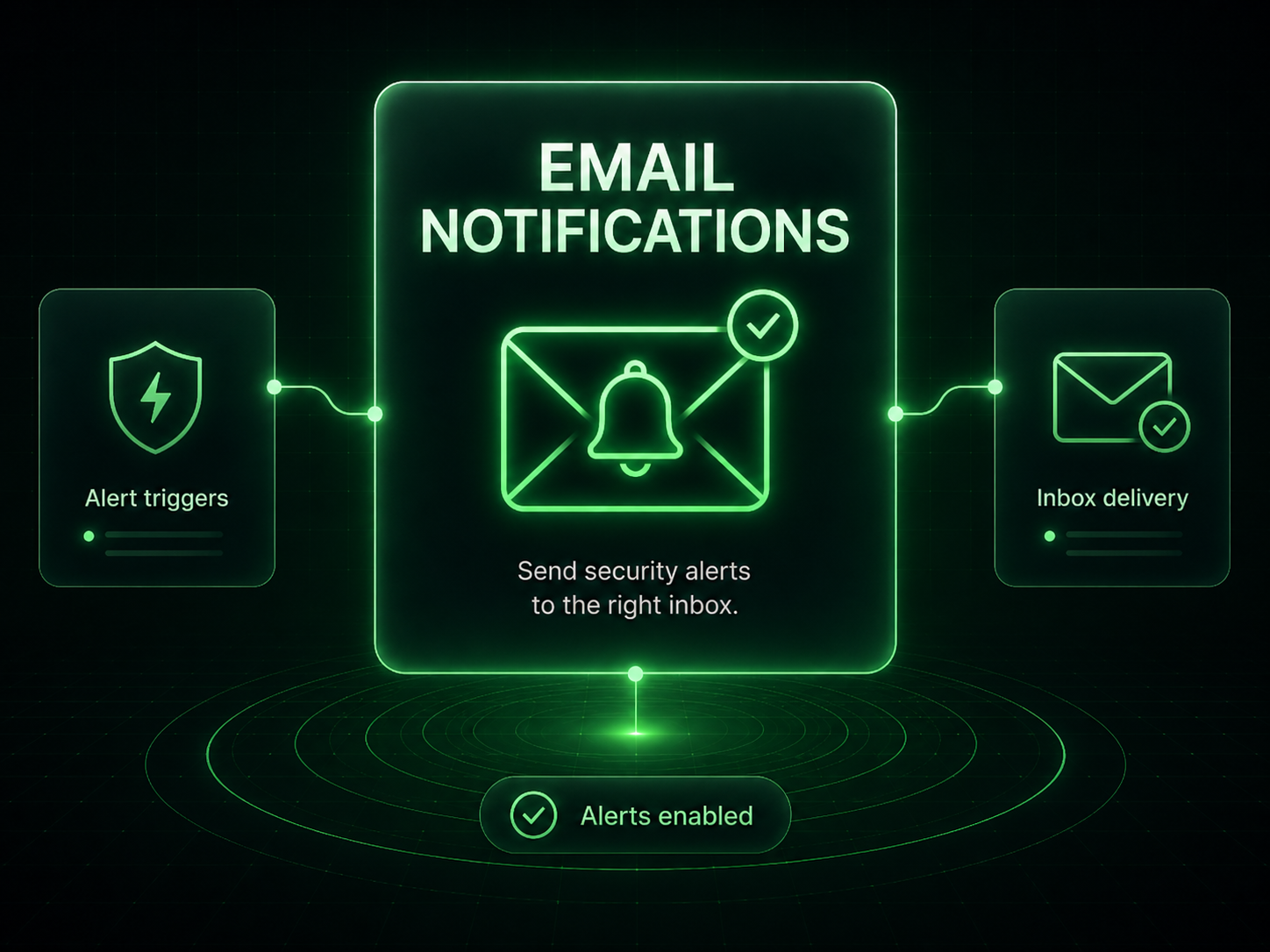
Email Notifications keeps important activity visible without turning every site event into noise. Use it to decide who receives alerts, how often reports are sent, and which notification types deserve immediate attention.
What it means: Different events can require different delivery behavior.
How to use it: Enable the alerts that matter for the site and avoid unnecessary noise.
What it means: Security messages are only useful when they reach someone responsible.
How to use it: Send alerts to a monitored support inbox instead of an unattended admin email.
What it means: Some reports should be immediate, while others work better as summaries.
How to use it: Tune each frequency around how the site is maintained.
What it means: Email previews help confirm branding, formatting, and readability.
How to use it: Use preview before client handoff or after changing white label settings.
Important: Send critical alerts to an inbox that is actively monitored.
Install Site Lockdown Security and get Premium WordPress protection at no cost.