Site Lockdown Security is free on WordPress.org

Role-based enforcement
What it means: Select the roles that should be forced to reset passwords instead of treating every account the same.
How to use it: Use this after cleanup or staff changes so only the accounts that need action are interrupted.
Password Reset helps support teams require selected users or roles to create fresh credentials after a cleanup, suspicious login activity, staff change, or client handoff. It keeps account recovery controlled without forcing every site owner to manage resets manually.
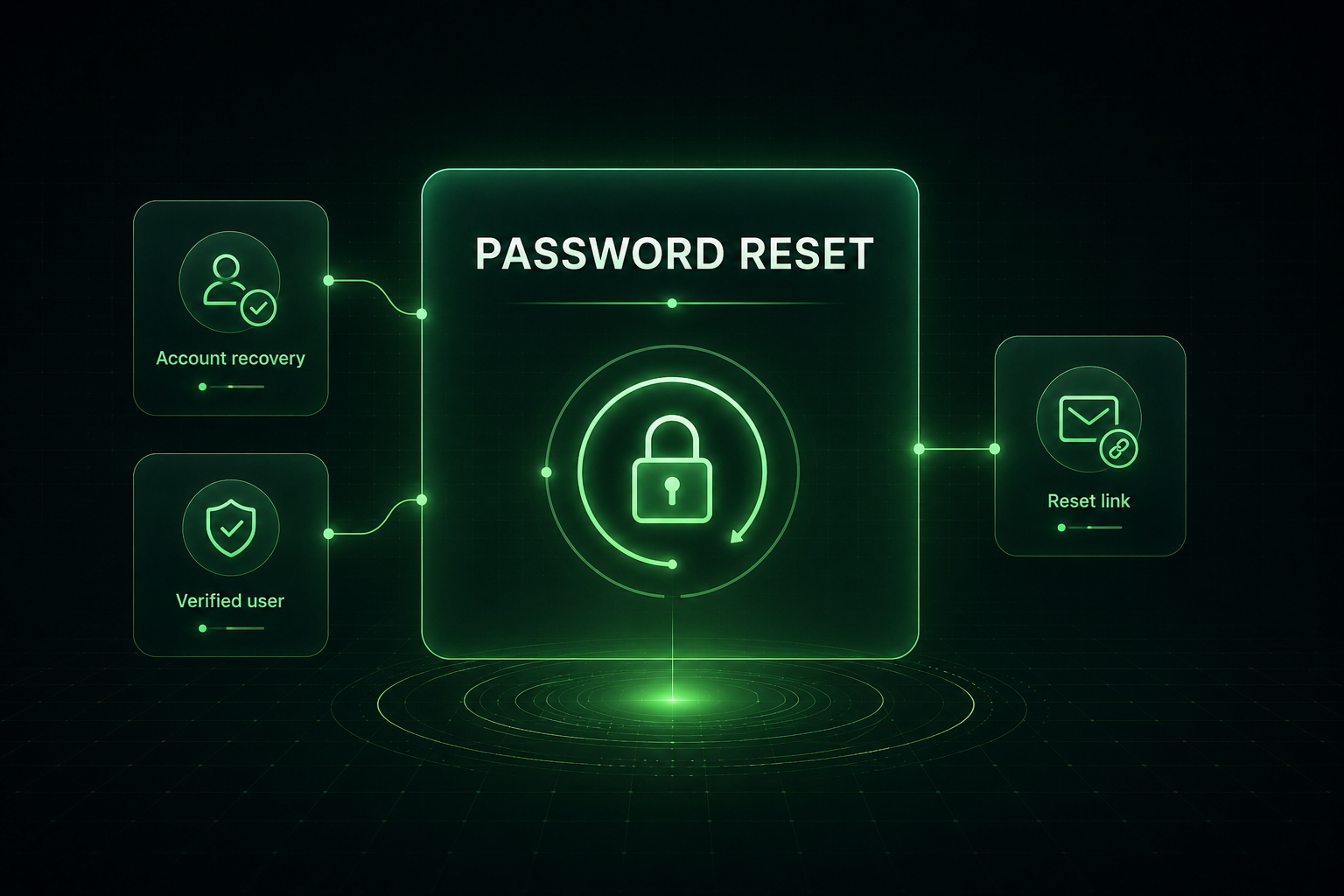
Password Reset is built for moments when an account may still technically work, but you no longer want old credentials or active sessions trusted. Use it to push users through the normal WordPress reset flow before they continue managing the site.
What it means: Select the roles that should be forced to reset passwords instead of treating every account the same.
How to use it: Use this after cleanup or staff changes so only the accounts that need action are interrupted.
What it means: Old sessions should not remain trusted when credentials are being reset.
How to use it: Use reset enforcement as part of cleanup and then confirm affected users can recover normally.
What it means: Users follow the normal WordPress password reset workflow.
How to use it: Send clients through a recognizable process instead of asking them to manually invent new credentials.
What it means: Password resets help close the account-security portion of a cleanup.
How to use it: Use it before final handoff, especially when suspicious admin or editor activity was found.
Important: Enforcing password resets may log affected users out and block normal access until the reset is completed.
Install Site Lockdown Security and get Premium WordPress protection at no cost.