Site Lockdown Security is free on WordPress.org

WordPress.org source
What it means: Refresh plugins that can be safely restored from the official plugin repository.
How to use it: Use this only when the plugin source is trusted and compatible with the installed site.
Plugin Refresher replaces WordPress.org plugin files with a fresh clean copy from a trusted source. It is useful when plugin files are corrupted, infected, missing, or no longer match the expected clean version.
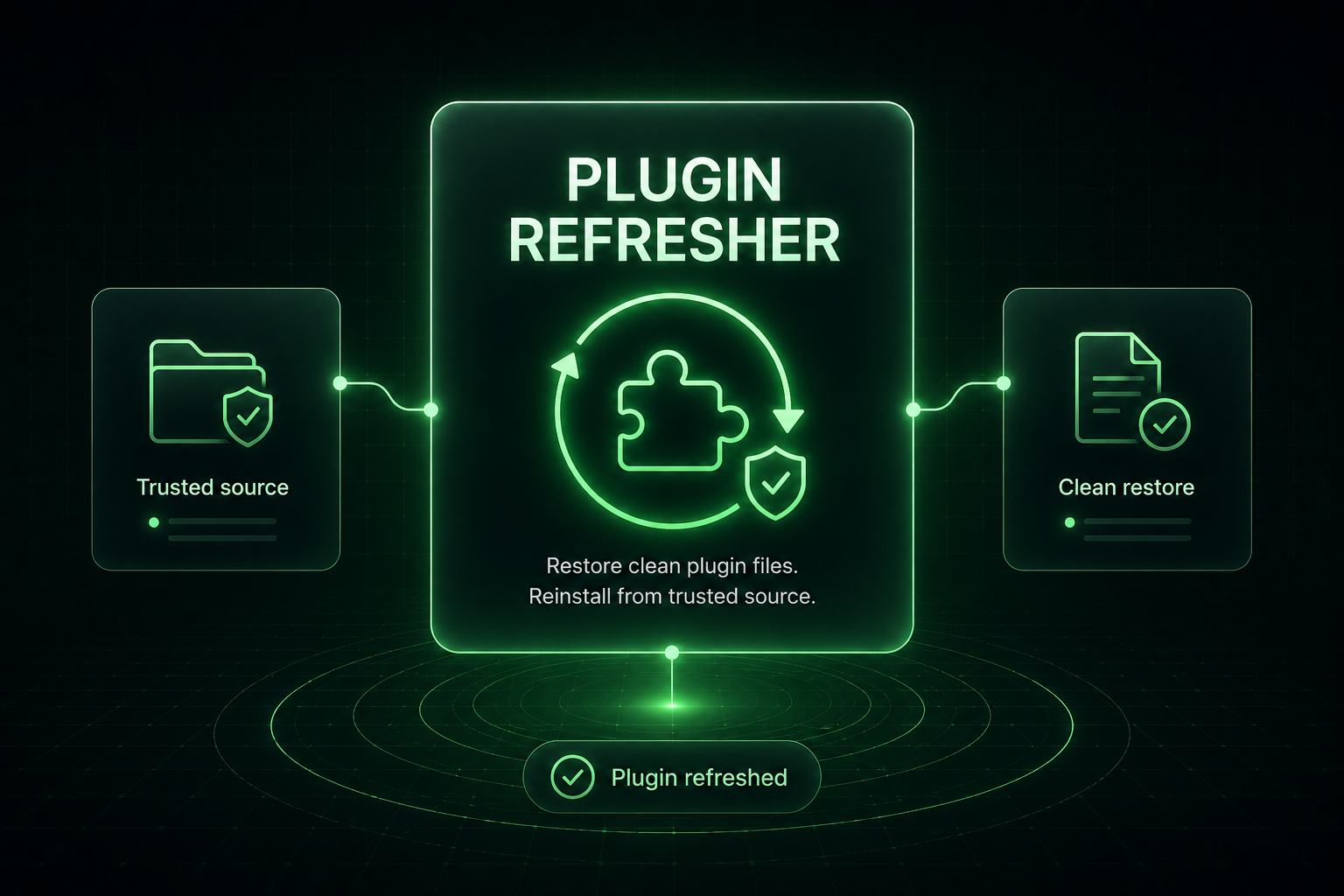
Plugin Refresher is designed for repair workflows where the plugin should match a known-good WordPress.org source. It helps technicians restore clean files without downloading, unpacking, and uploading replacement plugin folders by hand.
What it means: Refresh plugins that can be safely restored from the official plugin repository.
How to use it: Use this only when the plugin source is trusted and compatible with the installed site.
What it means: Replace files that may have been altered by infection, failed updates, or incomplete maintenance.
How to use it: Use scanner, file change, or core support notes to decide what needs refreshing.
What it means: Custom plugins or manually edited plugin files should not be refreshed blindly.
How to use it: Confirm backups and customizations before replacing anything.
What it means: Refreshing is not the final step; the site still needs testing.
How to use it: Retest scanner findings, front-end behavior, and plugin settings after repair.
Important: Do not refresh custom plugins or plugins with direct code modifications unless you have a backup.
Install Site Lockdown Security and get Premium WordPress protection at no cost.