Site Lockdown Security is free on WordPress.org
Folder permissions
What it means: Review writable directories and permission values that affect WordPress security.
How to use it: Use this after migrations, cleanup, or server changes.
Permissions Check reviews WordPress file and folder permission values so support teams can spot write access that may be too loose. It is especially useful before enabling stronger protection, after migrations, or when cleanup findings point to unsafe permissions.
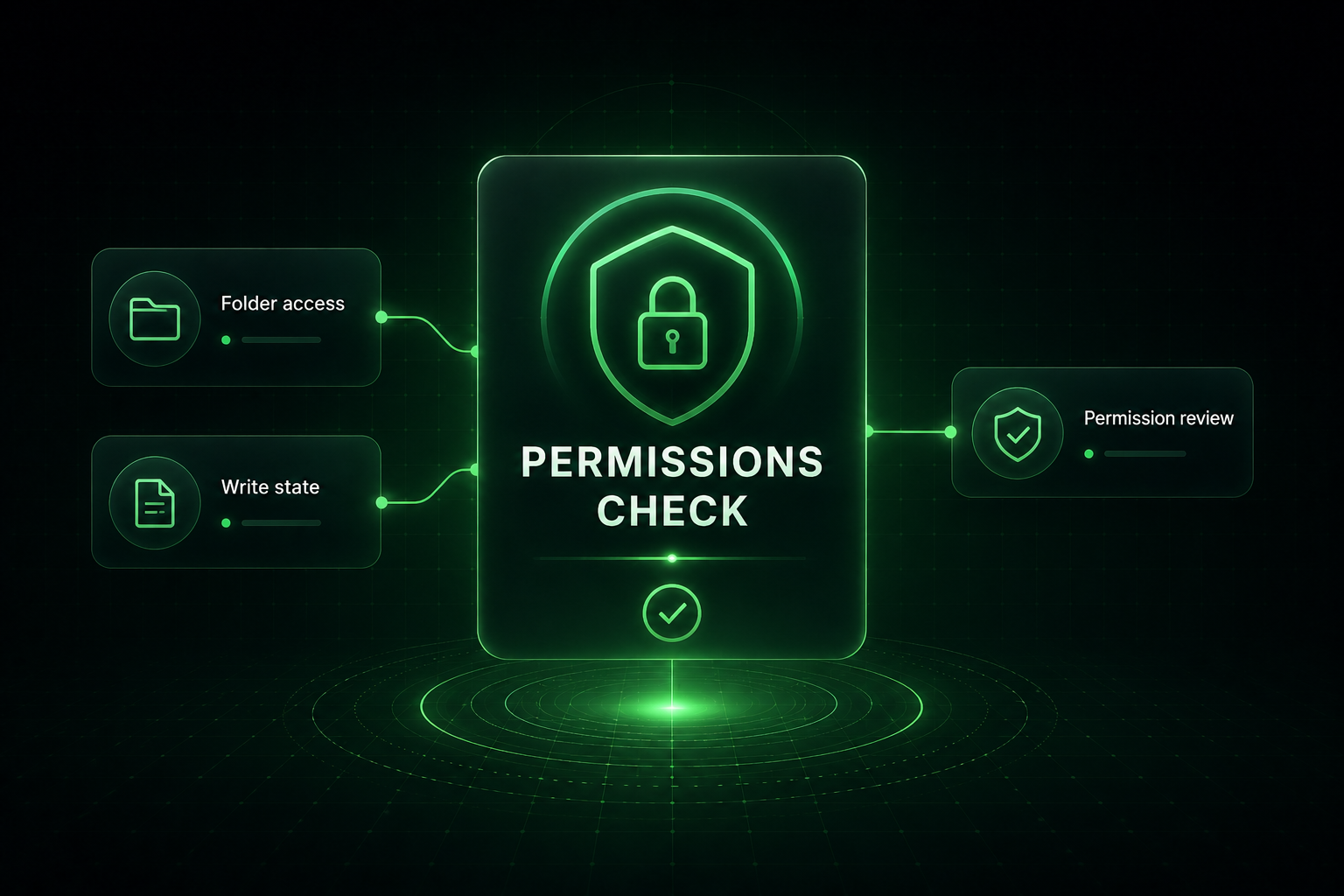
Permissions influence what WordPress, plugins, themes, and attackers can change. Permissions Check helps technicians compare current folder and file states against recommended values and decide what needs hosting or site-level correction.
What it means: Review writable directories and permission values that affect WordPress security.
How to use it: Use this after migrations, cleanup, or server changes.
What it means: Check root and configuration file states for values that may be too permissive.
How to use it: Confirm sensitive files are not broadly writable.
What it means: Recommended permissions can vary depending on the hosting stack.
How to use it: Use host guidance when a permission value is required for the environment.
What it means: Permissions Check helps prepare a site for Site Lock and other stronger controls.
How to use it: Correct risky values before enabling protection that assumes a stable file system.
Important: Permission recommendations can vary by hosting environment. Confirm host requirements when needed.
Install Site Lockdown Security and get Premium WordPress protection at no cost.