Site Lockdown Security is free on WordPress.org
Guided setup progress
What it means: The page organizes important configuration steps into one clear checklist.
How to use it: Work through each item before calling the site finished.
Recommended Setup gives site owners and support teams a focused checklist for the most important items to complete before a site is considered ready for stronger protection, reporting, and client handoff.
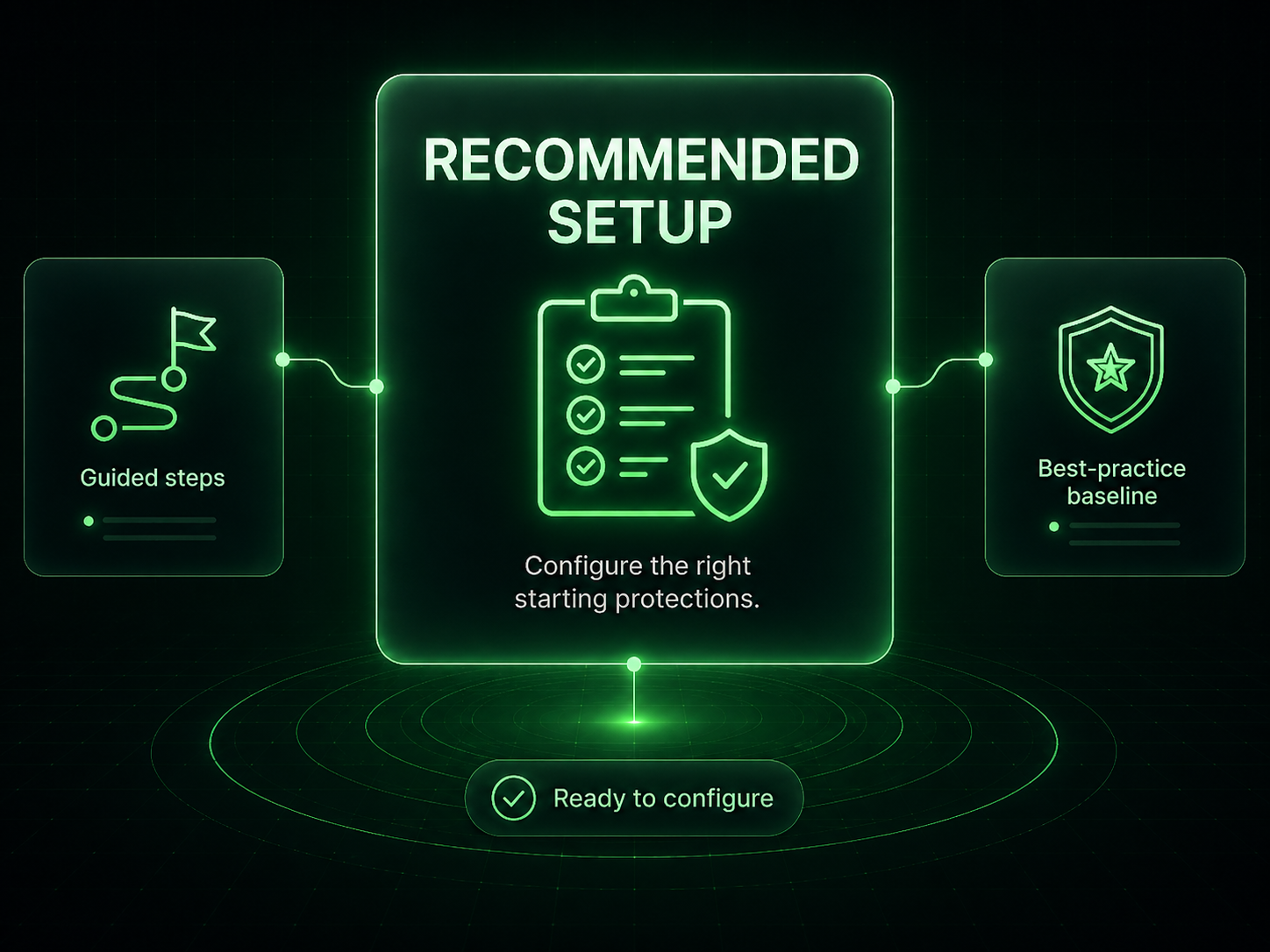
Recommended Setup keeps configuration work from becoming scattered. It shows which important setup items still need attention so teams can finish alert delivery, baseline timing, and protection readiness in the right order.
What it means: The page organizes important configuration steps into one clear checklist.
How to use it: Work through each item before calling the site finished.
What it means: Email settings and alert delivery should be configured before issues happen.
How to use it: Set recipients and frequencies early so reports go to a monitored inbox.
What it means: Baselines should be created only after cleanup, updates, and review are complete.
How to use it: Avoid locking in a dirty or unstable state as the trusted reference.
What it means: The checklist helps support teams avoid handing off a partially configured security setup.
How to use it: Return to this page before final delivery and revisit anything that was dismissed.
Important: Dismissed recommended items should still be revisited before final handoff.
Install Site Lockdown Security and get Premium WordPress protection at no cost.