Site Lockdown Security is free on WordPress.org
Domain check
What it means: The tool checks the website/domain being reviewed and returns SSL health details.
How to use it: Run it when launching, migrating, or troubleshooting a site.
SSL Information checks a website certificate so support teams can quickly see whether SSL is valid, trusted, not expiring soon, and aligned with the domain visitors actually use.
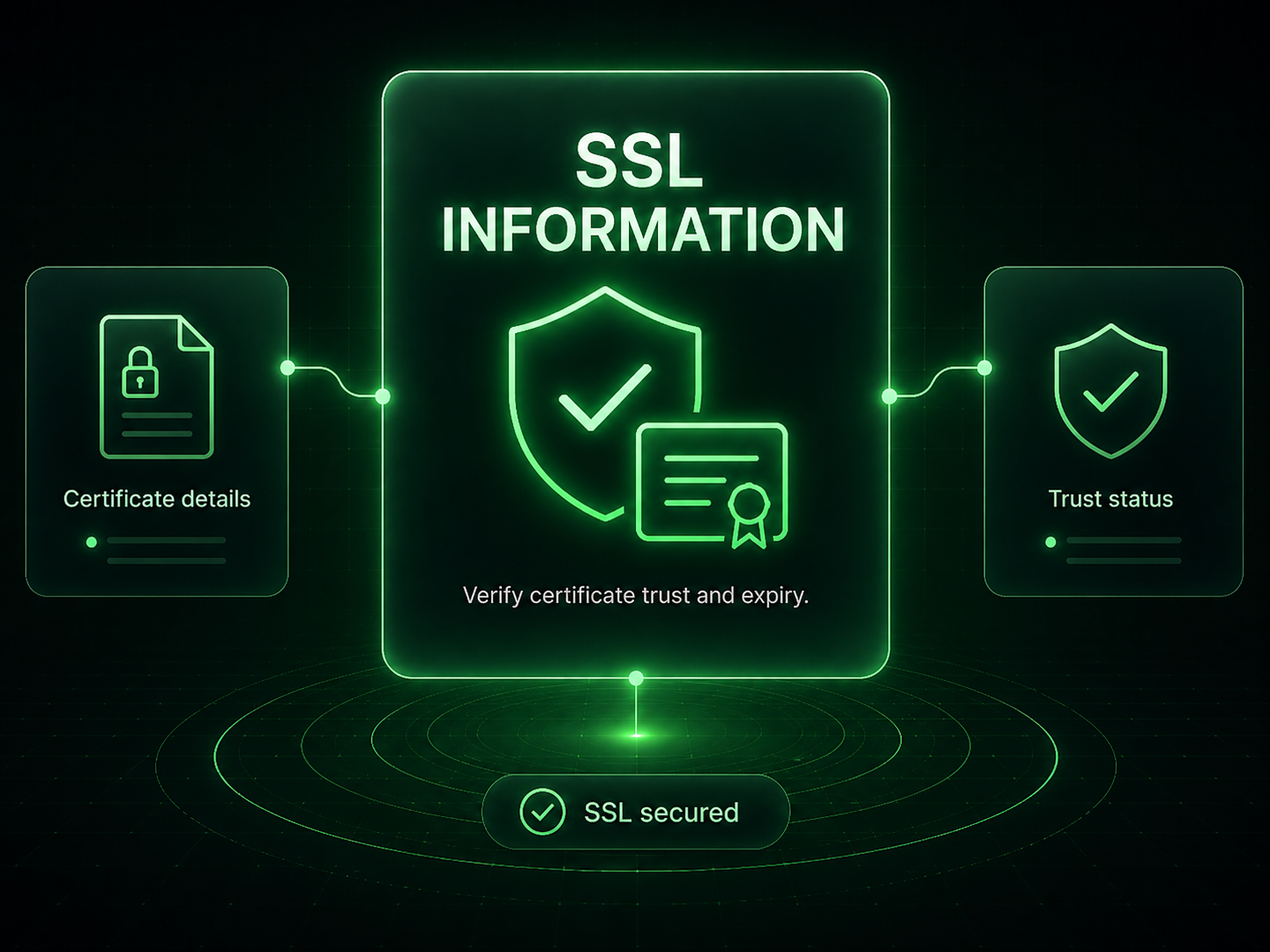
SSL Information turns certificate details into an easy support review. Use it to confirm the site is serving a valid certificate, check expiration timing, review covered domains, and understand when a CDN or proxy may hide issuer details.
What it means: The tool checks the website/domain being reviewed and returns SSL health details.
How to use it: Run it when launching, migrating, or troubleshooting a site.
What it means: A simple status summary shows whether SSL is secured or needs attention.
How to use it: Use this as a quick support confirmation before deeper hosting review.
What it means: Expiring certificates can trigger browser warnings and trust issues.
How to use it: Check the expiration date before handoff and during maintenance reviews.
What it means: CDNs, proxies, and wildcard certificates can affect how details appear.
How to use it: Review domain match, covered names, issuer availability, and server IP together.
Important: SSL warnings can damage visitor trust quickly, so review certificate status before launch and after DNS or hosting changes.
Install Site Lockdown Security and get Premium WordPress protection at no cost.